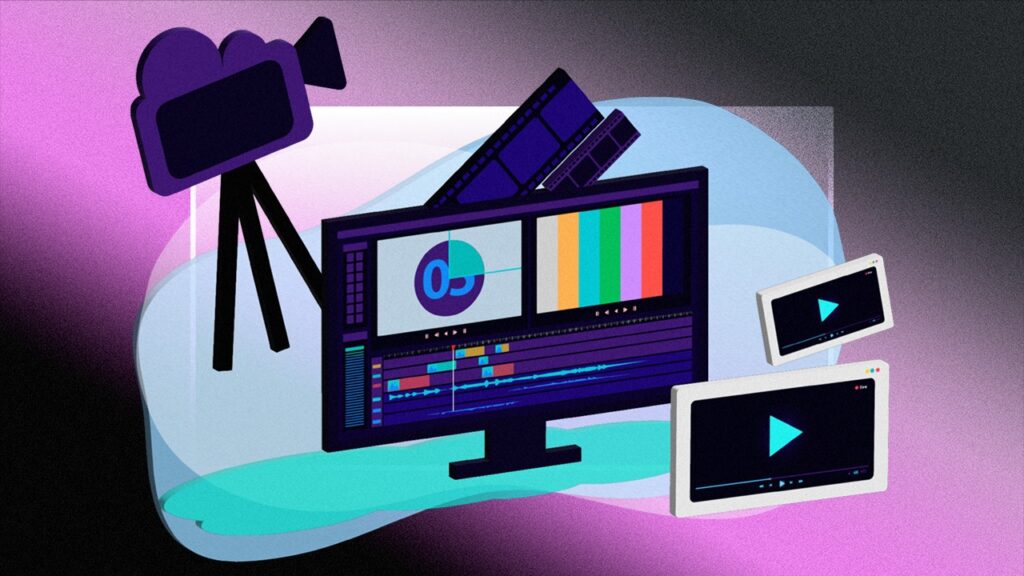
How to Choose the Right Video Editing Software
How To Choose The Right Video Editing Software for Beginners and Professionals Choosing the right video editing software can feel overwhelming, especially with so many tools available today. Whether you’re a beginner creating simple social media videos or a professional working on cinematic projects, the right software can make your editing faster, smoother, and more creative. To help you decide, here are the key things to consider when selecting the best video editing software for your needs.
1. How To Choose The Right Video Editing Software by Identifying Your Skill Level
Before choosing any software, be honest about your editing experience.
- Beginners should look for easy-to-use tools with drag-and-drop features like CapCut, Filmora, or iMovie.
- Intermediate editors may want more advanced tools with professional controls such as Adobe Premiere Pro or Final Cut Pro.
- Advanced editors often prefer software like DaVinci Resolve for its powerful color grading, effects, and timeline precision.
Choosing software that matches your skill level ensures a smooth editing process without frustration.
2. How To Choose The Right Video Editing Software by Considering the Type of Content You Create
Different tools are built for different types of videos:
- YouTube & Social Media: CapCut, Filmora, Premiere Rush
- Professional Films & Commercials: Final Cut Pro, DaVinci Resolve, Adobe Premiere Pro
- Simple Vlogs & Daily Content: iMovie, Canva Video Editor
- Short-form content (Reels, TikTok): CapCut, InShot
This helps you avoid paying for features you don’t actually need.
3. Look at Your Computer or Device Compatibility
Your editing software must match your system:
- Windows users: Premiere Pro, DaVinci Resolve, Filmora
- Mac users: Final Cut Pro, iMovie, Premiere Pro
- Mobile-only creators: CapCut, VN, LumaFusion (iOS)
Check your system specifications — RAM, processor, and graphics card — to ensure smooth performance.
4. Evaluate the Features You Actually Need
Ask yourself what matters most in your editing style:
- Advanced color grading? → DaVinci Resolve
- Motion graphics and effects? → After Effects + Premiere Pro
- Fast editing with templates? → Canva, CapCut
- Multicam editing? → Final Cut Pro
- Easy audio cleanup? → Premiere Pro, Resolve
Make a list of must-have features and compare them across software options.
5. Think About Your Budget
There are powerful tools available at every price point:
- Free options: DaVinci Resolve, iMovie, CapCut, HitFilm
- One-time purchase: Final Cut Pro, Filmora
- Subscription-based: Adobe Premiere Pro
If you’re just starting, free software might be more than enough. As your skills grow, you can upgrade.
6. Check the Learning Curve
Some tools are easier to learn than others.
- User-friendly: Filmora, Canva, CapCut
- Medium difficulty: Final Cut Pro
- Advanced complexity: Premiere Pro, DaVinci Resolve
Choose a tool that matches the time you’re willing to invest in learning.
7. Look at Support, Tutorials & Community
A large community and plenty of tutorials can help you learn faster. Popular software like Premiere Pro and DaVinci Resolve have thousands of free tutorials on YouTube — making them easier to master over time.
8. Test Before You Commit
Most editing software offers free trials. Try 2–3 options before making your final decision. See which interface feels more comfortable and which features you actually use during real editing projects.
Final Thoughts
Choosing the right video editing software is all about understanding your goals, skill level, and the type of content you want to create. Whether you prefer beginner-friendly tools or advanced professional software, the best choice is the one that improves your workflow and helps you bring your creative vision to life. Start simple, experiment, and upgrade as your editing skills grow.
Nice blog