
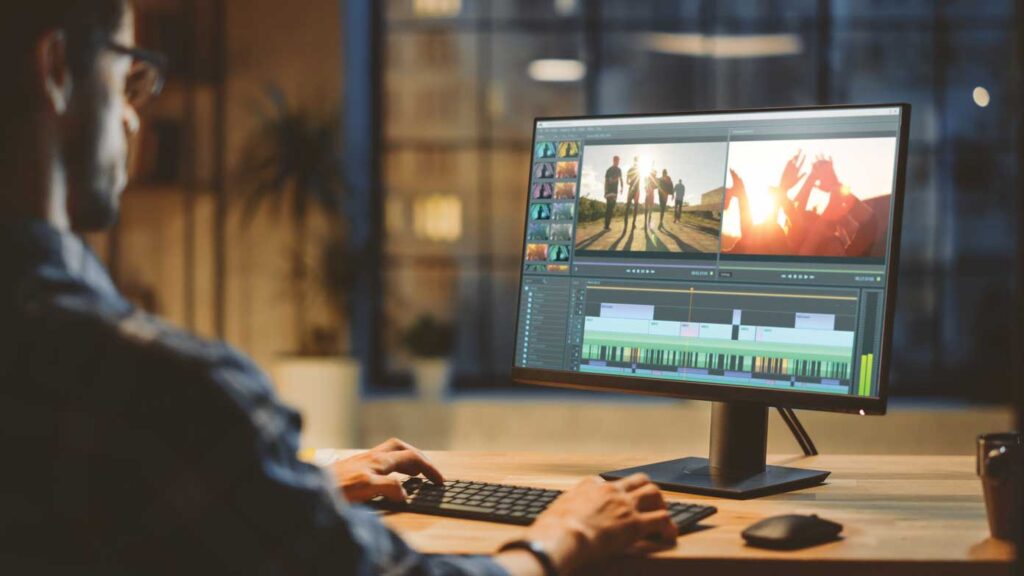
Choosing the right video editing software can feel overwhelming, especially with so many options available. Whether you’re a beginner creating social media content or a professional producing high-quality films, the software you choose plays a major role in the quality, speed, and creativity of your work. The best editing program is one that matches your skill level, fits your budget, supports your workflow, and offers the features you need to bring your ideas to life. Understanding the differences among editing tools is the first step to making a confident decision.
Before selecting a video editing program, it’s important to consider your goals and skill level. Beginners may prefer user-friendly tools with simple interfaces, while professionals typically need advanced features such as multi-cam editing, motion graphics, and color grading. Thinking about the type of content you create can also guide your choice. For example, social media creators often benefit from lightweight apps that allow quick edits and built-in templates, while filmmakers or YouTubers may require more robust editing systems to manage longer timelines, multiple layers, and high-resolution footage.
Budget is another major factor. There are excellent free editors like DaVinci Resolve and HitFilm Express that offer powerful tools without costing anything. These are perfect for beginners or those who want to experiment before committing financially. Paid software, such as Adobe Premiere Pro, Final Cut Pro, and Filmora, provides more professional features, better support, and frequent updates. Subscription-based programs often include cloud storage and cross-platform syncing, which can be valuable for editors working across multiple devices. Ultimately, you should choose software that fits your budget while still offering the features you need.
Compatibility and workflow also matter. Some programs work better on specific operating systems—for example, Final Cut Pro is exclusive to macOS, while others like DaVinci Resolve and Premiere Pro work on both Windows and Mac. Make sure the software supports the video formats you use and runs smoothly on your computer. High-resolution editing, such as 4K or 8K, requires strong processing power, so selecting a program optimized for your hardware will save time and reduce frustration. If you work in teams, consider whether the software supports collaboration features, shared drives, or project syncing.
Features and creative tools should be another deciding factor. Basic editors provide tools for trimming, transitions, and audio adjustments, but advanced editors offer color grading, motion tracking, green-screen editing, multi-layer timelines, and built-in effects. If you want to experiment with cinematic looks, choose software with strong color correction tools. If you plan to create animations or effects, look for programs compatible with motion graphics software like Adobe After Effects. The more your editing needs grow, the more valuable these advanced features will become.
Finally, consider ease of learning and available support. Some editing software comes with built-in tutorials, large community forums, and plenty of online learning resources. Programs with intuitive interfaces will help beginners learn faster, while professionals may prefer complex tools that allow deeper customization. Trying free trials is one of the best ways to compare programs and find one that feels natural to use.
Choosing the right video editing software ultimately depends on your goals, experience level, budget, and workflow. By understanding what features matter most and testing different options, you’ll be able to find a tool that supports your creativity and helps you produce high-quality videos. Whether you’re editing simple clips or cinematic masterpieces, the right software will make the entire process smoother, faster, and far more enjoyable